 Minitube
YouTube app
Minitube
YouTube app
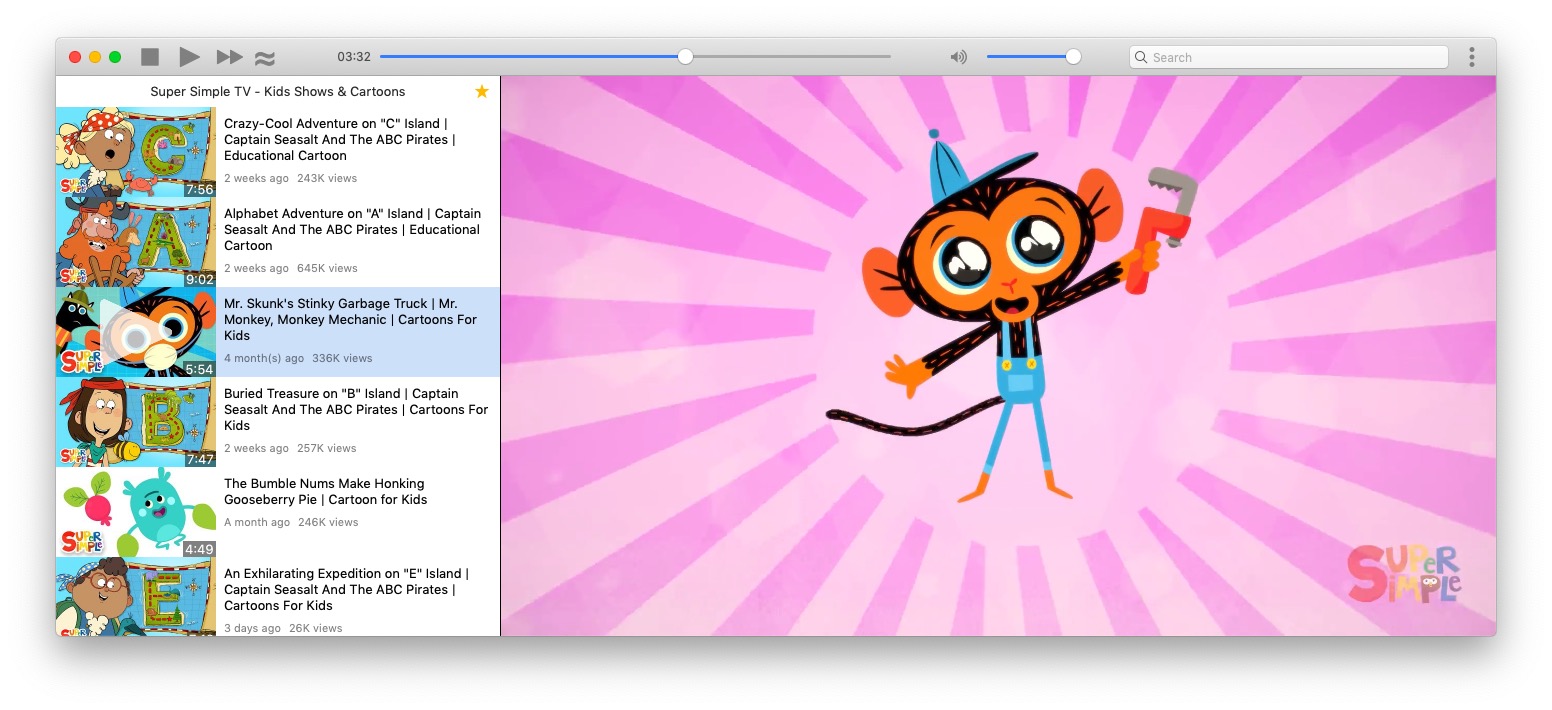
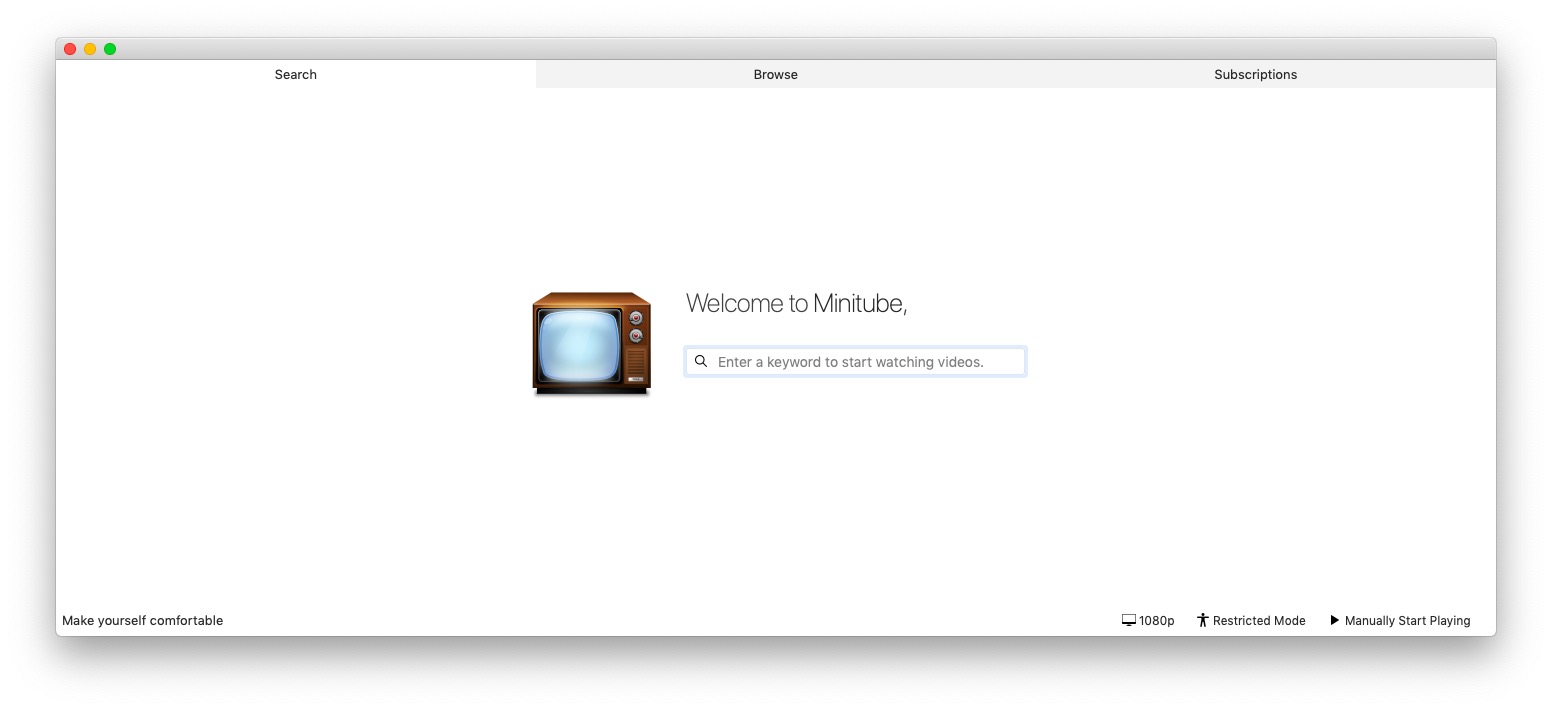
Watch YouTube videos in a new way: you type a keyword, Minitube gives you an endless video stream.
Minitube is not about cloning the YouTube website, it aims to create a new TV-like experience.
Read more
- Light on your computer By consuming less CPU and less memory than a web browser, Minitube preserves battery life and keeps your laptop cool.
- Great for kids! Very easy to use and with filters for inappropriate content.
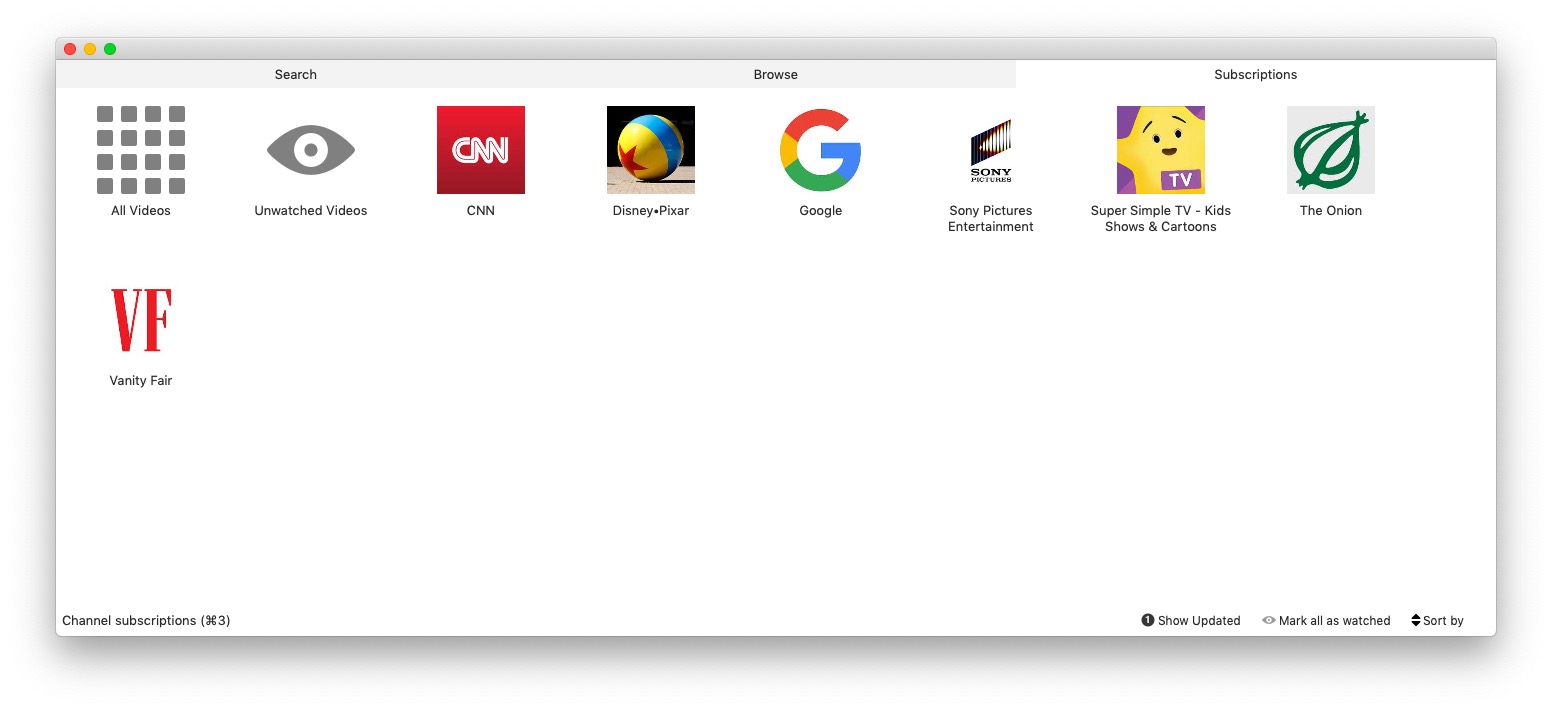
- Channel subscriptions Subscribe to YouTube channels and be notified of new videos. No need to login with a YouTube account: more privacy!
- Stop fiddling Just search for something. Minitube automatically plays videos one after another. Sit back and enjoy.
-
Download for Windows
Works on Windows 10 or better
-
Download for macOS
Works on 10.15 or better.
Also available on the Mac App Store.
-
Download for Linux
Works on Ubuntu 23.04 (64bit) or better and other Debian derivatives
- Help translating Minitube to your native language!
-
- Aug 19 Minitube 4.0
- Sep 11 Minitube 3.6: the Javascript release
- Aug 7 Minitube 3.5 and Musictube 1.13
-
My kids just love this app! Easy to use and a great interface... just love it!
WimDS -
If you're looking for a way to check out YouTube clips outside the browser, it's a really elegant solution
Lifehacker -
Makes it impossible to stop watching videos when what you should be doing is writing that program's review.
PCWorld -
It's a terrific app that eliminates the need to poke around YouTube's Web site and navigate through a sea of ads, comments, and related videos you may not care about.
OStatic -
Minitube allows you to search for videos in a breeze without any complications in between.
AppYourMac -
It sort of subtly changes your perception of what's going on.
Linux Format -
It's been a long time since I found a program that works out of the box and does what the blurb says it should. Minitube belongs on every multimedia PC.
Linux Magazine -
I believe you succeeded well in your goal to make watching videos more like the experience of watching television, and more enjoyable.
Tim -
I will be installing a copy of Minitube om my Mother's PC. I think Minitube would be a terrific way to introduce her to the world of Internet video. She really LOVES television, so I think she will like using Minitube as well.
Tim -
My 4 years old is a big fan of Minitube ;-)
Roberto -
A clean, modern interface and no requirement of third party plug-ins makes this program an invaluable tool
Tomaaato -
My dad has even told me that this is without a doubt the program that he spends most of his time on (he does other things, but this is almost constantly open in another space playing some traditional Italian music or 1930s comedies).
Tomaaato -
Great app! Was hesitant to buy, but it did what it said and was exactly what I was after!
James Bedford -
Works very well and is genuinely useful.
Allan Campbell -
At first, I was skeptical of the utility of Minitube. After installing it, and running it, I 'get' the purpose, and would gladly recommend it
Will, Stormfront Tech -
Was dubious to buy ... sounded basic... but thats the clever thing - it is! choose you search subject and off you go... continious material on that subject - Simples! well worth it!
Murtha Piggott
Minitube features
Minitube focuses on a pleasing overall experience, not on having tons of features. Here's what Minitube can do:
- Channel subscriptions without using a YouTube account
- Compact mode: a small, always-on-top window
- Take video snapshots at full resolution
- Editable playlist: drag'n'drop and remove videos
- Stop after this video: "Last one, kids!"
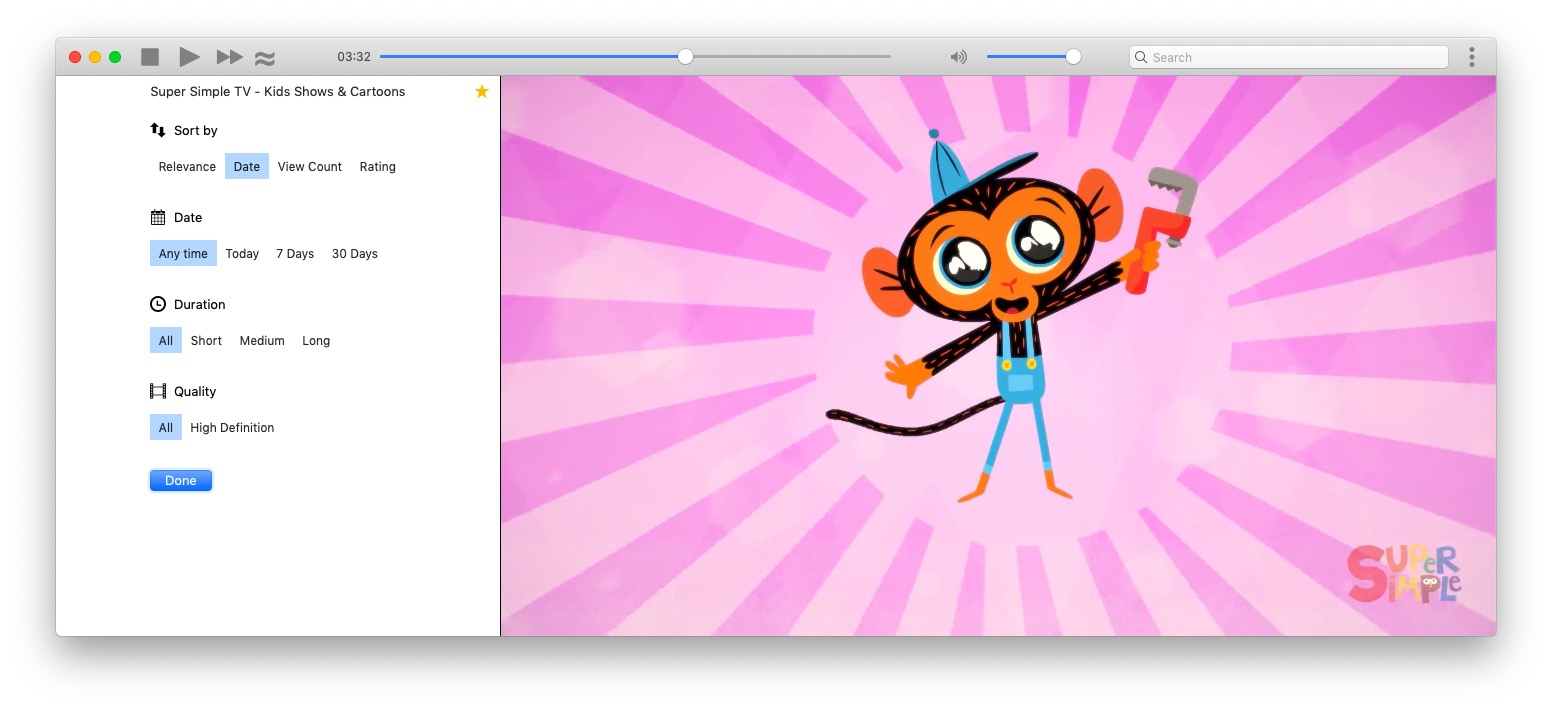
- Sort videos by relevance, date, view count and rating
- Filter videos by publication date, video duration and video quality
- Search by keyword, channel name or paste a YouTube link. Suggestions while typing.
- Remembers recent keywords and channels. These can be cleared if needed.
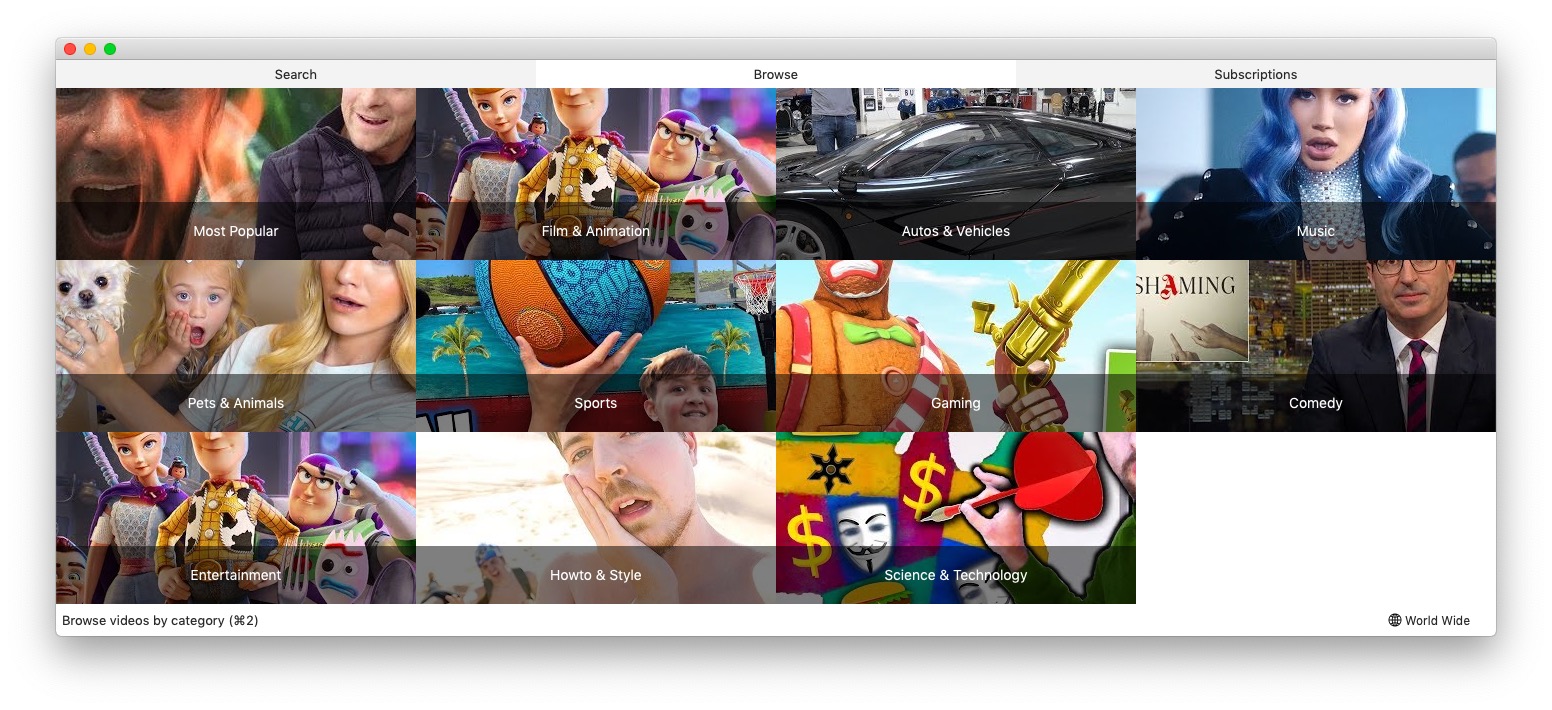
- YouTube categories: “Most Popular”, “Music”, “Games”, etc.
- Related videos
- Fullscreen mode: mouse cursor, toolbar and playlist autohide
- Copy YouTube link to clipboard
- Share on Facebook, Twitter or via email
- Translated to more than 30 languages including German, French, Italian, Russian, Danish, Dutch, Spanish, Portuguese, Hebrew and Chinese.
Thank you! Your download has begun.
Get the full version of Minitube. It comes with:
- Free updates forever
- Email support
Thank you! Your download has begun.
Get the full version of Minitube. It comes with:
- Free updates forever
- Email support
Support the development of Minitube!
Continuing Linux development, bug fixes and support can only happen if there is money to support those activities. Thanks.
Donate