Just a quick note to announce the availability of a minor bug-fix release for Finetune. The release contains fixes for a couple of crashes affecting 1.0. If you had a bad experience with Finetune, give this version a try.
Author Archive
Finetune released!
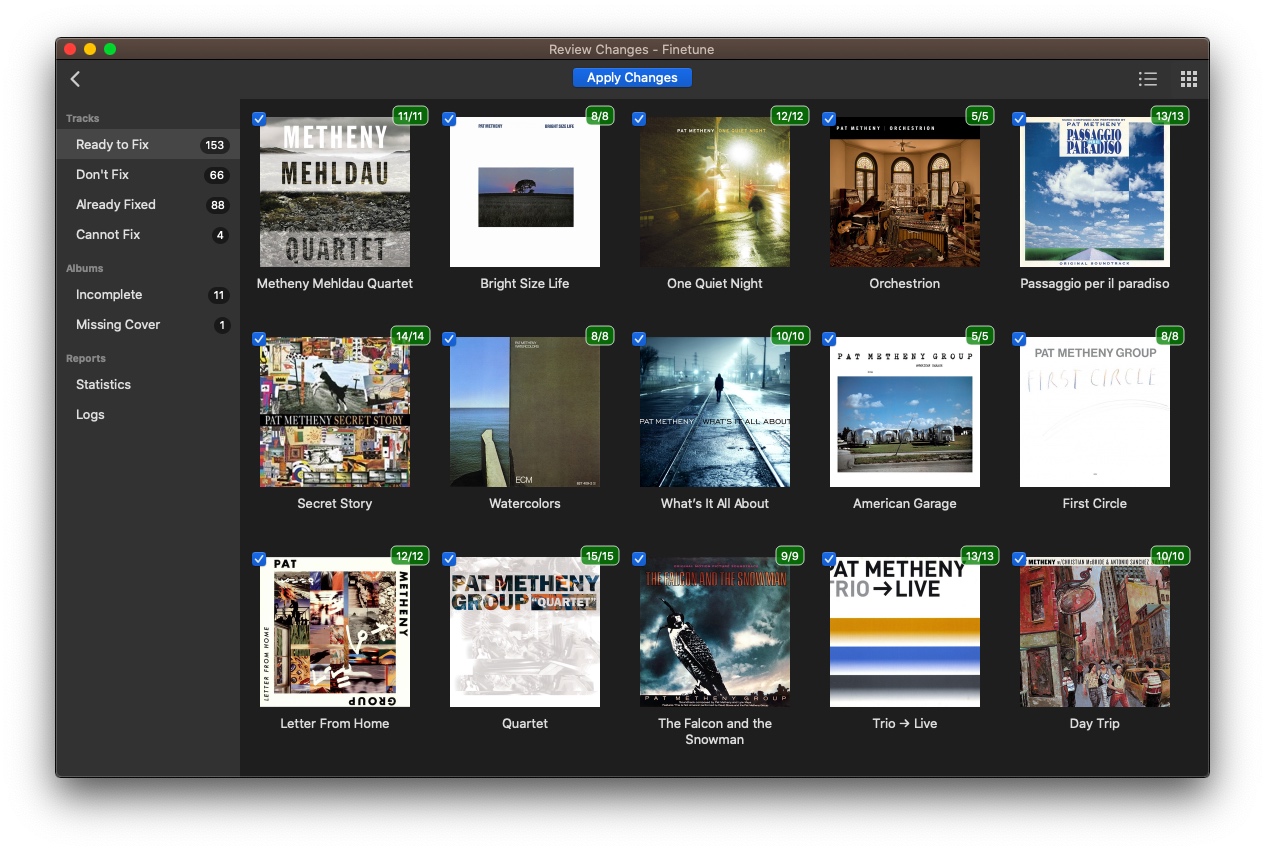
I’m really happy to finally release the first version of Finetune, the automatic music tagger for Mac, Windows and Linux.
If you’re interested in fixing your music collection metadata, read the beta release post for more info or go straight to the Finetune download page.
Introducing Finetune, the one-click music tagger

I have been working to this project for some time now (understatement for years) and I feel it is ready to be tested by a group of brave Mac and Linux beta testers.
Finetune is a music tagger that works mostly in an automatic way. You choose a folder, Finetune does its magic and presents you with proposed changes you can manually edit and apply. Finetune can fix or add song information, cover art, lyrics and remove duplicate and missing tracks from your library. On OS X, Finetune also takes care of updating your iTunes Library.
Finetune uses AcoustID and Chromaprint technologies to “listen” to your music files, generate a fingerprint and search for matching songs in a database containing millions of fingerprints. But it’s not that easy. Each song may belong to a multitude of recordings each of which usually has many different releases across countries and media types. Finetune uses smart heuristics to select the recording and release you actually have.
Before releasing 1.0, Finetune needs to be tested by a small group of users. If you’re interested, have a music collection and have OS X >= 10.7 or Ubuntu >= 15.04, go to the Finetune project page and click “Apply for Beta Testing”. Accepted testers will get a free Finetune license!
Minitube 2.5
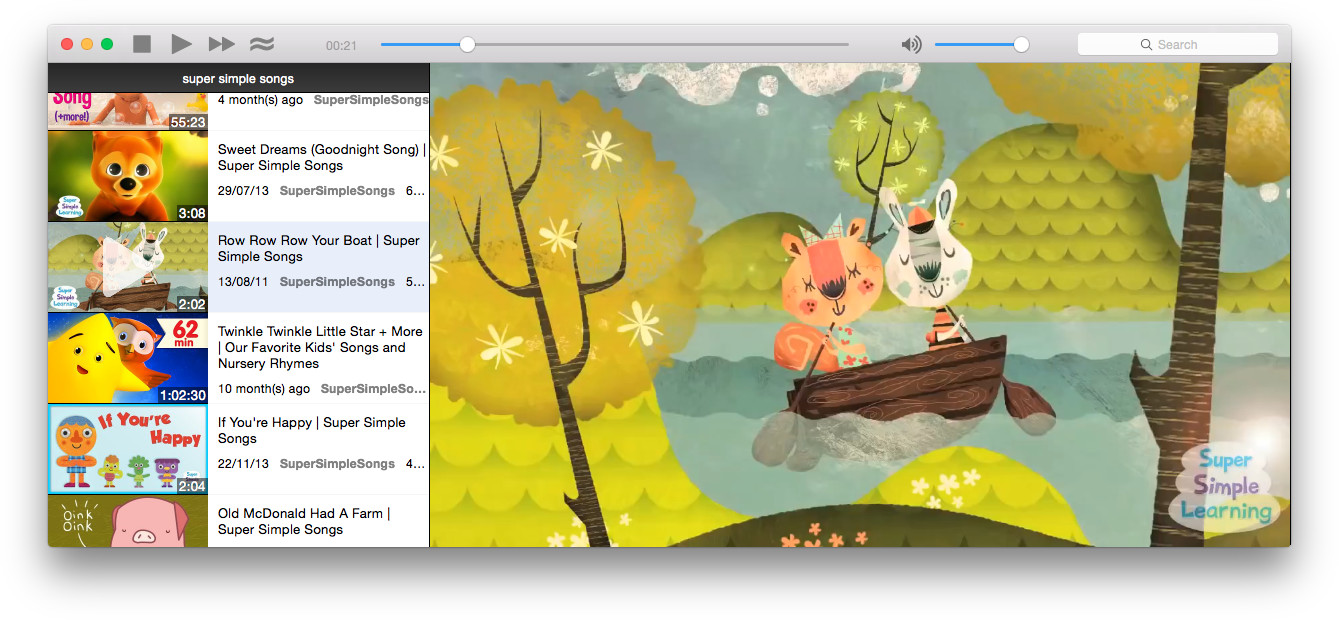
The is the first Minitube version based on Qt 5. Qt 5 brings HiDPI (Retina Display) support, OSX-style scrollbars and better accessibility on Mac. I had to completely rewrite the toolbar for Mac, as the Qt 5 toolbar does not really behave as the native one. The result is a much better looking Mac toolbar.
I took the opportunity the rework icons, fonts and style across the whole app. 2.5 is by far the cleanest and tidiest Minitube ever.
With Qt 5 I decided to drop support for OS X 10.6, which is becoming a real pain to support. My advice for those still running Snow Leopard is updating to 10.10 (which is free, by the way).
Here’s the complete changelog:
- Upgraded to Qt 5
- HiDPI (aka Retina Display) support
- Mac style overhaul: new toolbar, lighter fonts & tabs
- Reworked icons on Mac & Windows
- Status Bar hidden when not needed: less clutter, more room for videos
- Clickable links in video description
- Autoadjust window size (Bye, useless black bars!)
- Smart date formatting: 3 hours ago, 1 month ago, etc.
- When opening the YouTube webpage the video now starts from where it left in Minitube
- Fixed videos restarting after long pause
- Dropped support for OS X 10.6
- New and updated translations. A big thank you to the translators!
Musictube 1.5.1 quick fix
A few days ago Musictube stopped working because of an error in the Last.fm API. Last.fm is in the process of migrating to a new infrastructure and is having many issues. This is a quick fix release that works around the invalid XML currently served by the Last.fm API. Have fun with Musictube!
Musictube 1.5
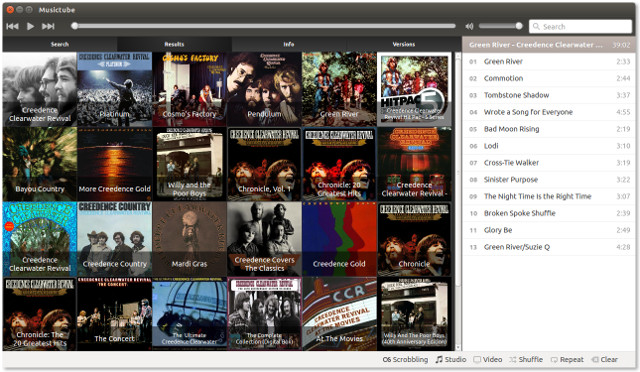
Like the release of Minitube 2.4 a few days go, this one focuses on internal changes and bringing Musictube to use YouTube APIs version 3.
Here’s the full change log:
- Now using YouTube APIs version 3
- Now using HTTPS for better privacy and security
- Updated media engine to VLC 2.2.0 on Mac & Windows
- New and updated translations
Minitube 2.4
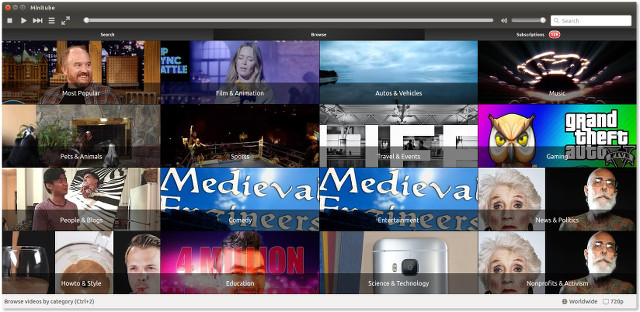
This release is about porting Minitube to the new YouTube APIs, version 3. The old ones are going to be switched off in a few weeks so everybody make sure to update.
Minitube is now using HTTPS everywhere for better privacy and security. Also, Minitube now loads 50 results instead of 10 so finding the right video now requires even less clicking.
The Windows and Mac version ship with LibVLC 2.2.0. This should solve playback issues reported by a few Windows users. On Ubuntu, the “Ambiance” style toolbar is now back.
A note for Linux packagers
Minitube sources moved to GitHub. YouTube API version 3 requires an API key. Each key has a limited “quota”. In order to build you need your own API key. Check the README.md file for details.
Musictube 1.4
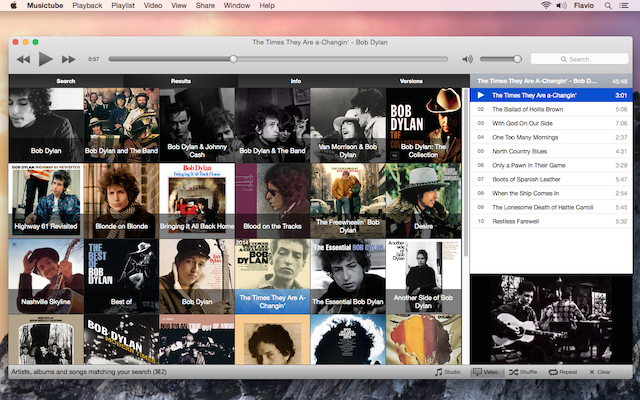
Musictube 1.4 is out with support for OS X 10.10 Yosemite and other under-the-hood changes. The media engine is now VLC on all three platforms, bringing better seeking and faster playback start.
As for Minitube and Musique, Musictube has been removed from the Ubuntu Software Center for its slowness in reviewing updates. Existing customers please contact me via email with a copy of your license to get this and future updates.
- Faster and more reliable seeking
- Faster playback start with longer tracks
- Enhancements to the search suggestions
- Make the volume handle red when volume is zero
- Fix playback problems with some videos
- Support for OS X 10.10 Yosemite
- Restored compatibility with Mac OS X Snow Leopard
- The Mac version is now 64bit and uses the VLC engine to play videos
- The Windows version has been updated to the latest VLC
- Goodbye Ubuntu Software Center!
- New and updated translations