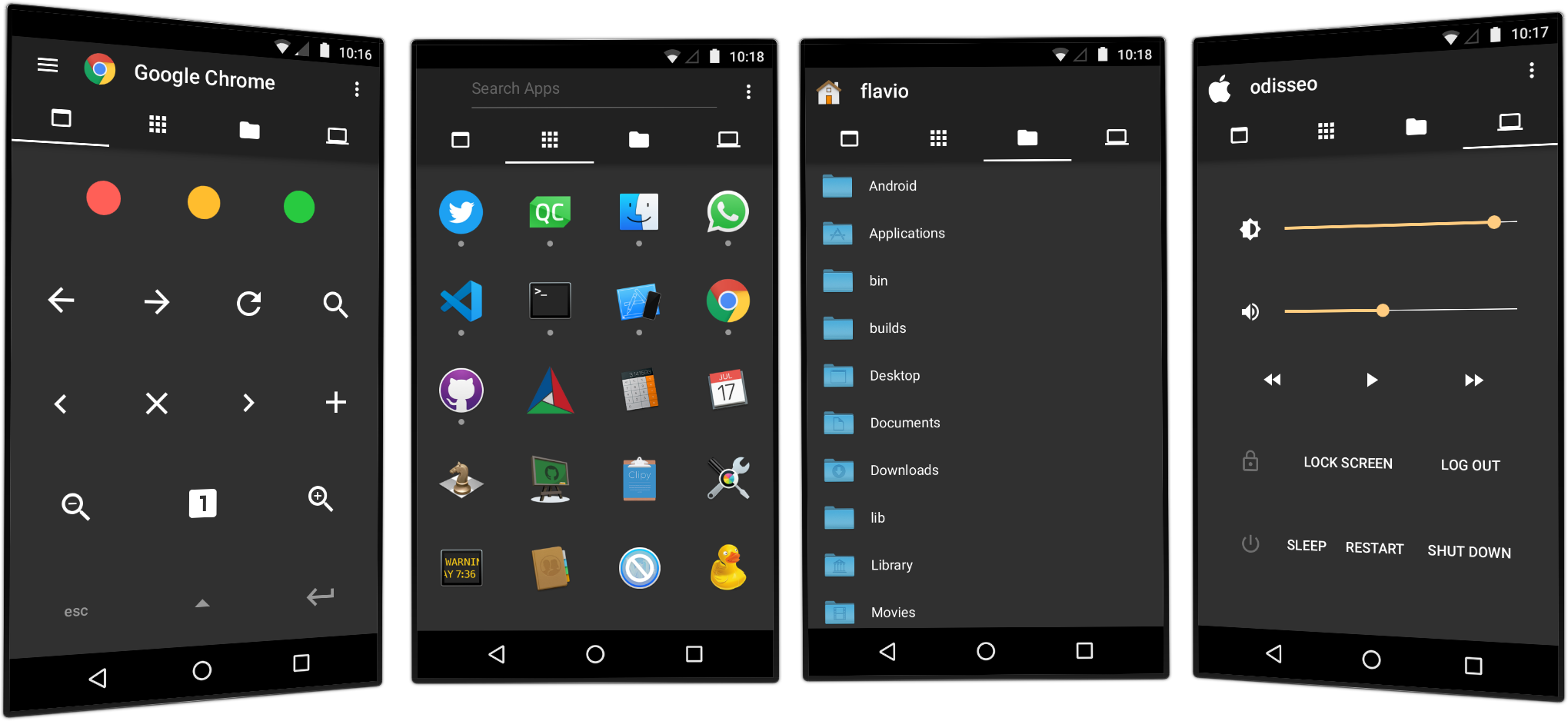
I’ve been working to a new project for iOS and Android. An app that lets you control your Mac with your smartphone or tablet. It’s great when you’re lying on the sofa and when doing a presentation or maybe you’re cooking or whatever.
As always I’ve tried to come up with a unique, completely thought-from-scratch user interface. Sofa combines elements of a typical remote with an accessibility client, a launcher, a file manager, a keyboard, all in order to interact with your Mac in a seamless way with very few taps. It’s hard to describe, just try it and see for yourself.
Sofa is meant to be cross-platform, so a server for Windows and Linux will eventually come in the future. Sofa is currently in beta. Please test it on iOS with TestFlight and let me know your thoughts.
A Minitube update is out with fixes to video playback. Apart from updated translations there are no other significant changes. Mac App Store version is waiting for review.
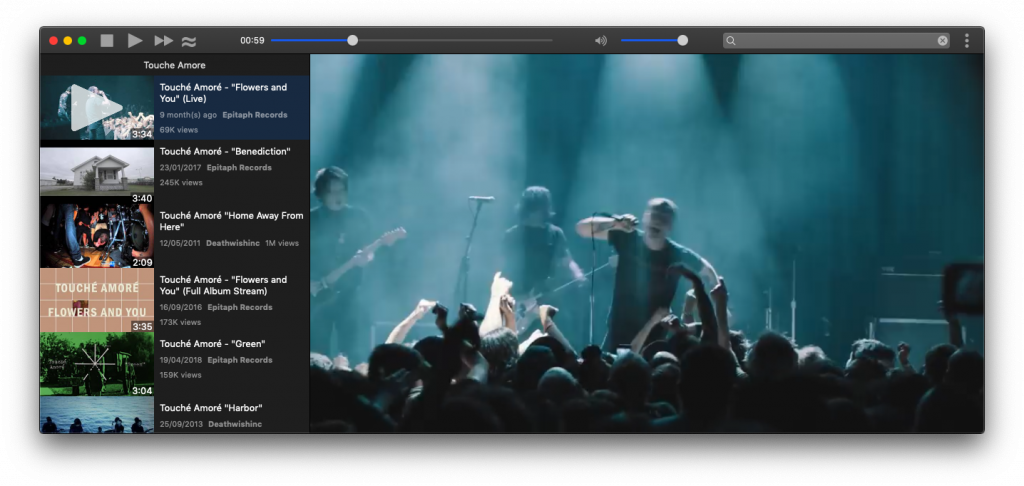
Playback issues have been fixed and new YouTube resolutions up to 4K added. The new multimedia backend is MPV as in my other apps.
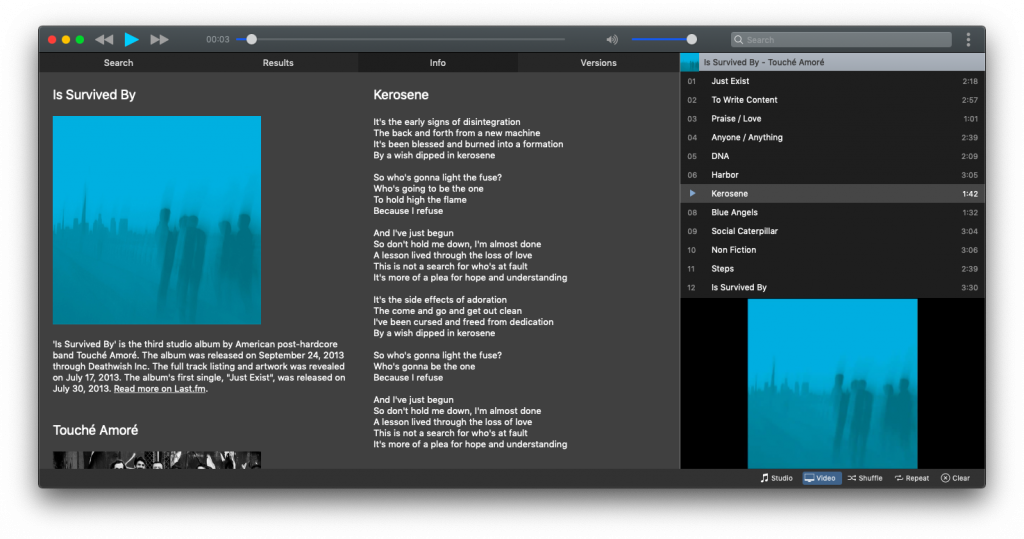
Artist images are now taken from the Discogs API as Last.fm dropped this functionality. Musictube 1.9 supports macOS Mojave Dark Mode and generally better supports dark themes also on Windows and Linux.
Just a quick note to announce Musique 1.7. This release fixes missing artist images. These pics were previously taken from the Last.fm API which unfortunately stopped offering this feature. Musique now uses the Discogs API to fetch artist images.
Here’s a quick update to Minitube. It mainly fixes some videos skipping. Another important bug fix is for audio playback not resuming after long pauses.
As always, thanks to translators on Transifex and contributors on Github.
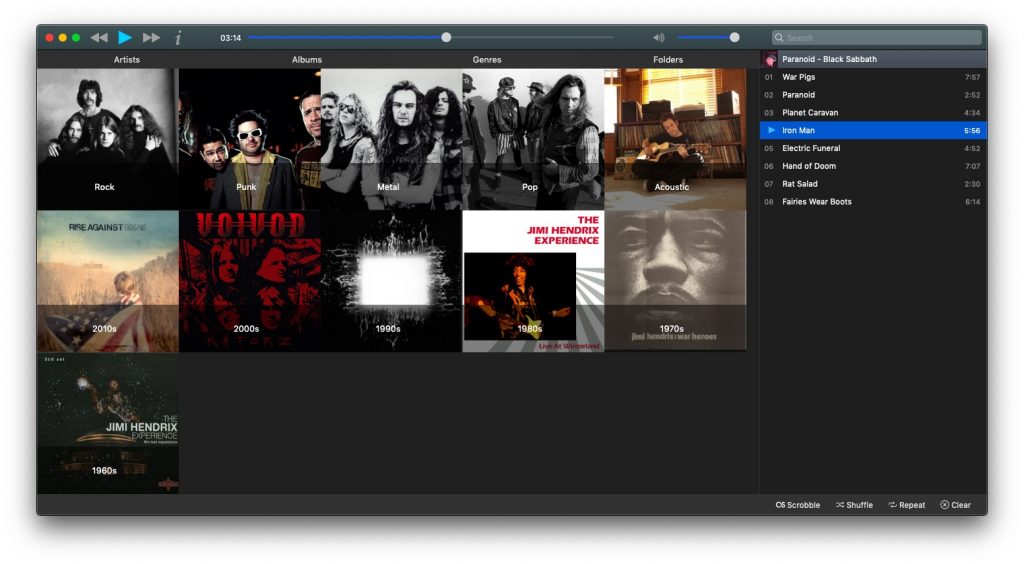
Musique 1.6 introduces Genres. A new tab will show your music library automatically organised by genres, subgenres and decades. For example, you’ll see a Rock item. If you double-click it you will a get a list of subgenres like Alternative and Grunge. In this example, if you play the Rock item you will play all rock songs including Alternative and Grunge.
Musique now supports macOS Mojave Dark Mode. This also helps with dark themes on Windows and Linux.
Under the hood there are big changes. MPV is the new multimedia engine. Gapless playback is definitely better than before for file formats that support it. All other libraries such as Qt and Taglib have been updated to the latest version.
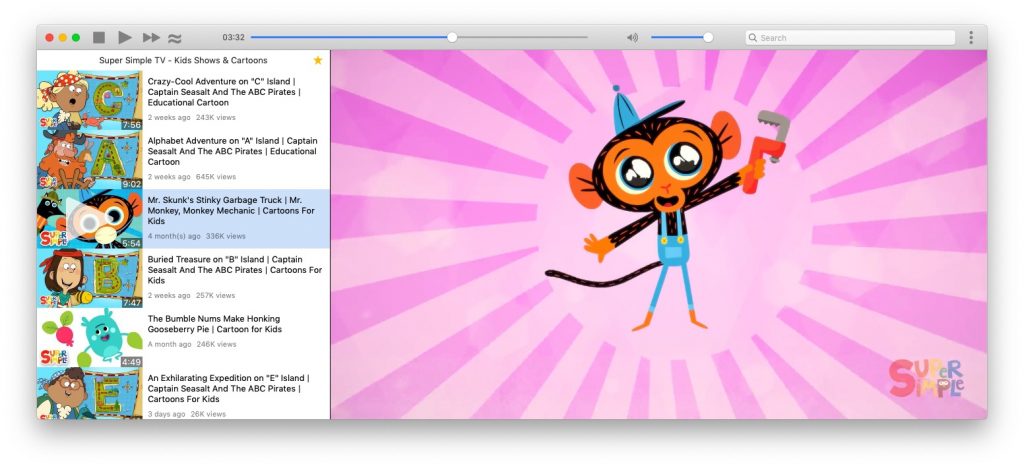
Hi all, it’s been a while. With this new release I ported away Minitube from Phonon, a multimedia API that originated long time ago in the KDE project. I evaluated both QtAV and MPV, wrote my own media abstraction around them and finally chose to ship with libmpv. It’s a great open-source project and very active. Kudos to them.
As a direct consequence to using a new multimedia backend, Minitube now supports all YouTube video resolutions up to 4K.
In Mac land, I added support for the new Dark Mode that was introduced in macOS Mojave. Switching on fly is also supported.
Minitube 3.0 ships with the brand new Qt 5.12.2 which brings many improvements and fixes some UI bugs.
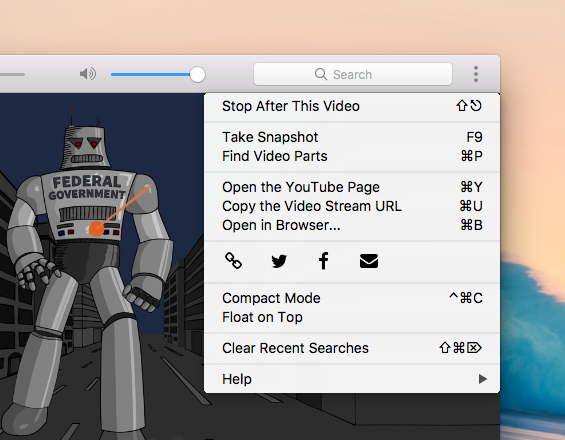
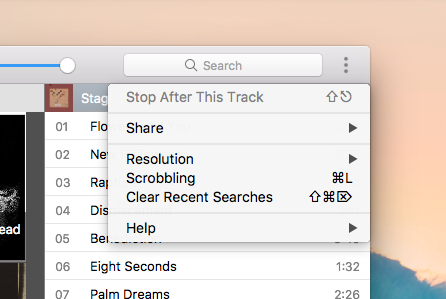
Hi all, here’s a new Minitube version that brings Minitube one step closer to Perfection™. The menu bar is now hidden by default on Windows and Linux. There is a new Chrome-like toolbar menu that contains actions not available in the rest of the UI.
I indulged a bit in code refactoring and cleanup, using more C++11 features. Minitube uses a little less memory and should be slightly faster now. Apart from that expect the usual slew of minor fixes and visual tweaks.
This new version of Musictube brings many refinements and bug fixes.
On Windows and Linux the menu bar is now hidden by default. A Chrome-like toolbar menu contains the few items that are not readily available in the UI. If preferred the menu bar can be easily restored by choosing “Toggle Menu Bar” (ALT).
I whipped up a new, more colourful icon. Let me know what you think about it!