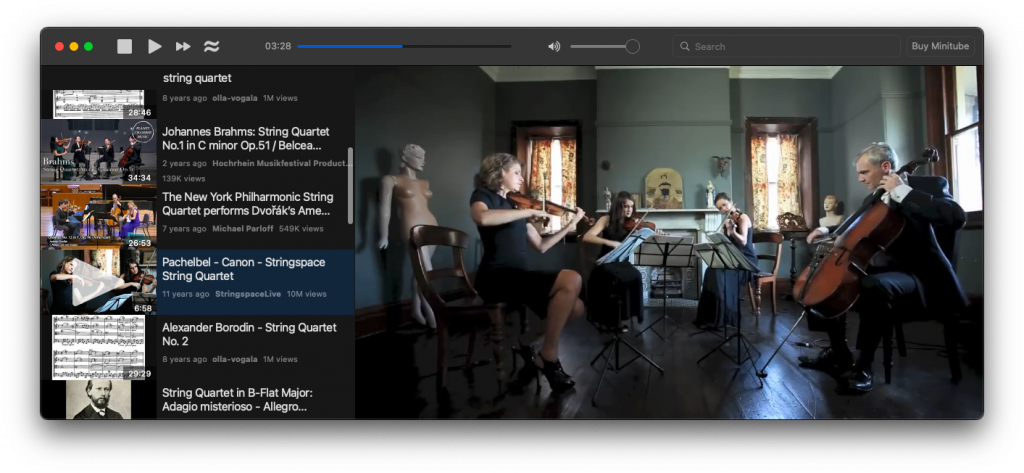
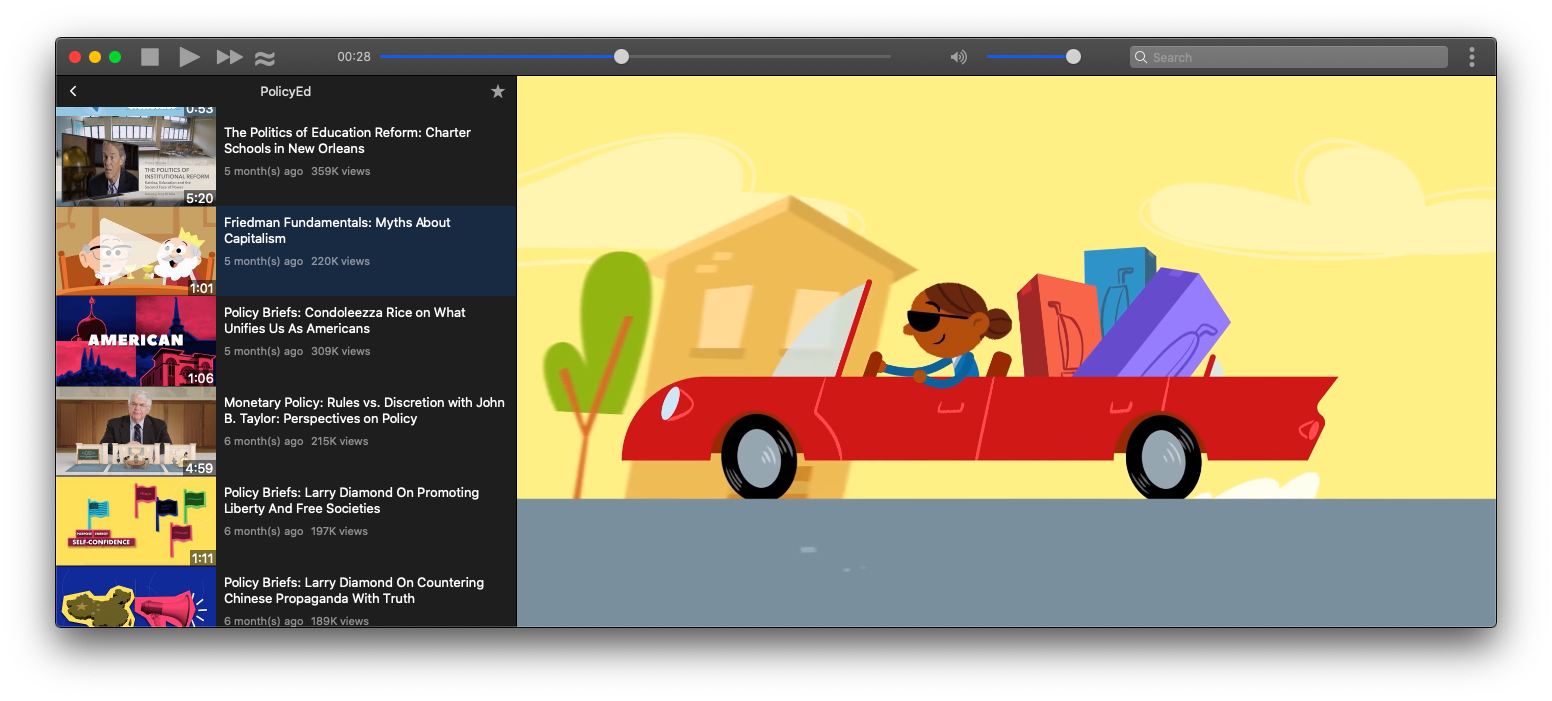
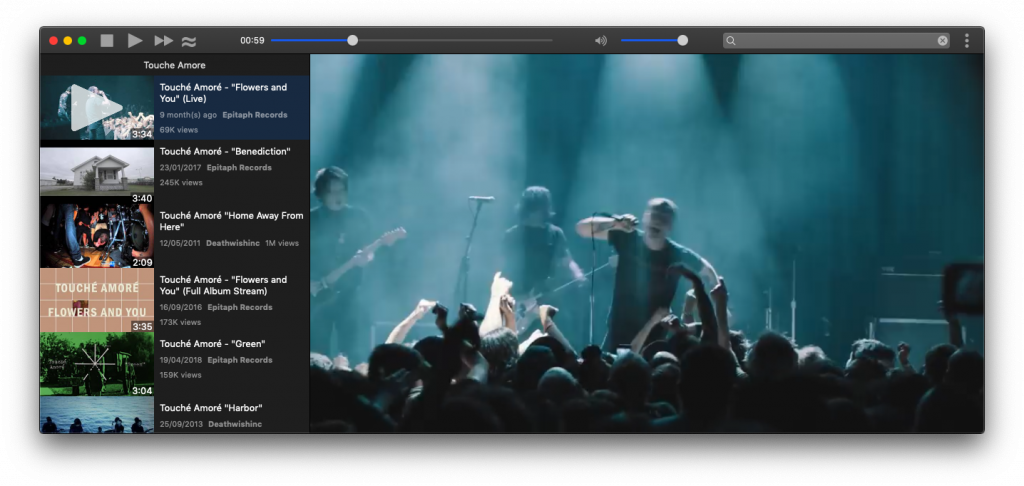
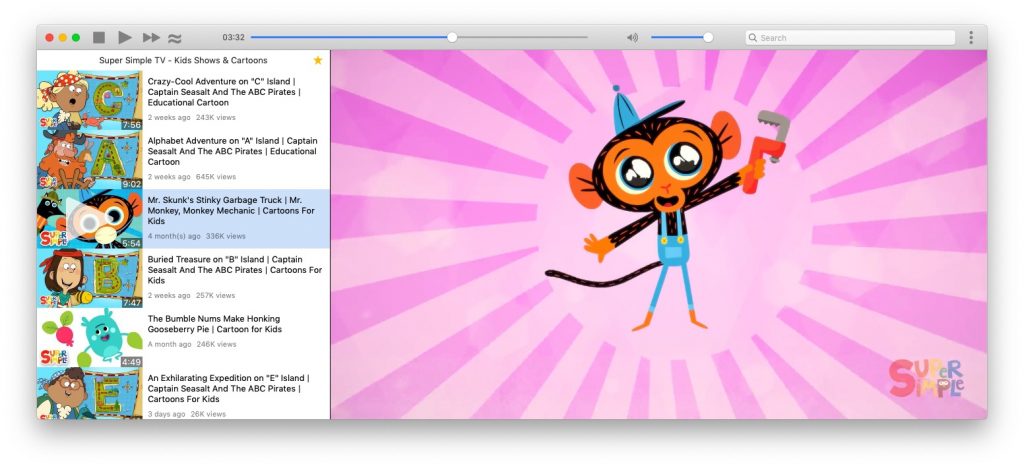
Starting from this release Minitube requires a subscription of €9.99 / year. I’m trying to keep my apps sustainable and I think this is the only way forward. Subscription can be managed on PayPal or on the Mac App Store. Also the license per platform is gone and now buying Minitube gets you a code valid for all the supported platformed.
Users that bought Minitube less than a year ago don’t need to do anything for now. I hope older users will decide to support further development and keep this app alive.
Hi all, Minitube 3.6 is out. Actually it is 3.6.1 because I fixed a few issues present in 3.6. This release fixes channels not loading.
I switched away from the Invidious API and started using a number of Javascript libraries (actually NodeJS modules) that take care of extracting data from YouTube. They are well maintained and easy to update.
The details of running NodeJS modules in a Qt app are interesting and could be the subject for some future technical posts. For now, I’ll just say that it made for a great hacking sprint.
I had to rush this release because Google restricted the Youtube API only to manually approved projects. And their terms forbid any other viewer apart from their own.
So I ported Minitube to use the Invidious API. Linux users will not need a Google API key anymore. So I guess this is an enhancement for them. Donations are welcome (hint hint).
A Minitube update is out with fixes to video playback. Apart from updated translations there are no other significant changes. Mac App Store version is waiting for review.
Here’s a quick update to Minitube. It mainly fixes some videos skipping. Another important bug fix is for audio playback not resuming after long pauses.
As always, thanks to translators on Transifex and contributors on Github.
Hi all, it’s been a while. With this new release I ported away Minitube from Phonon, a multimedia API that originated long time ago in the KDE project. I evaluated both QtAV and MPV, wrote my own media abstraction around them and finally chose to ship with libmpv. It’s a great open-source project and very active. Kudos to them.
As a direct consequence to using a new multimedia backend, Minitube now supports all YouTube video resolutions up to 4K.
In Mac land, I added support for the new Dark Mode that was introduced in macOS Mojave. Switching on fly is also supported.
Minitube 3.0 ships with the brand new Qt 5.12.2 which brings many improvements and fixes some UI bugs.
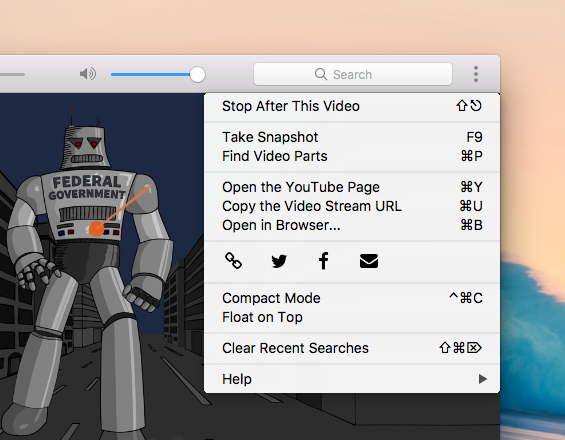
Hi all, here’s a new Minitube version that brings Minitube one step closer to Perfection™. The menu bar is now hidden by default on Windows and Linux. There is a new Chrome-like toolbar menu that contains actions not available in the rest of the UI.
I indulged a bit in code refactoring and cleanup, using more C++11 features. Minitube uses a little less memory and should be slightly faster now. Apart from that expect the usual slew of minor fixes and visual tweaks.
Just a quick note to announce the release of Minitube 2.8. In this released I focused on improving the overall quality of the application by fixing small bugs and defects. Enjoy!
PS. Tomorrow I’m leaving for my usual mountain camping in Abruzzo, only leave kind comments!
Hi all, a new Minitube version is ready. This time I focused on a number visual style improvements. The main toolbar with the media controls is only shown when viewing videos and doesn’t clutter other views.
On macOS I fixed an annoying bug with sidebar resizing.
On Windows and Linux the menu bar can now be hidden by pressing ALT.
On Linux I dropped custom styling for sliders, icons and the tab bar so Minitube will closely follow your system theme. Also the fullscreen experience is improved with overlay toolbar and sidebar that do not cause the video to resize.
GNOME users, beware of the Software app! It fails to install the deb when there is an older version in the repositories. You’ll have to resort to command line: sudo dpkg -i minitube.deb